

Est. 2019
Est. 2019
Last Updated:
June 8, 2026

Parth Gaurav
Founder & CEO
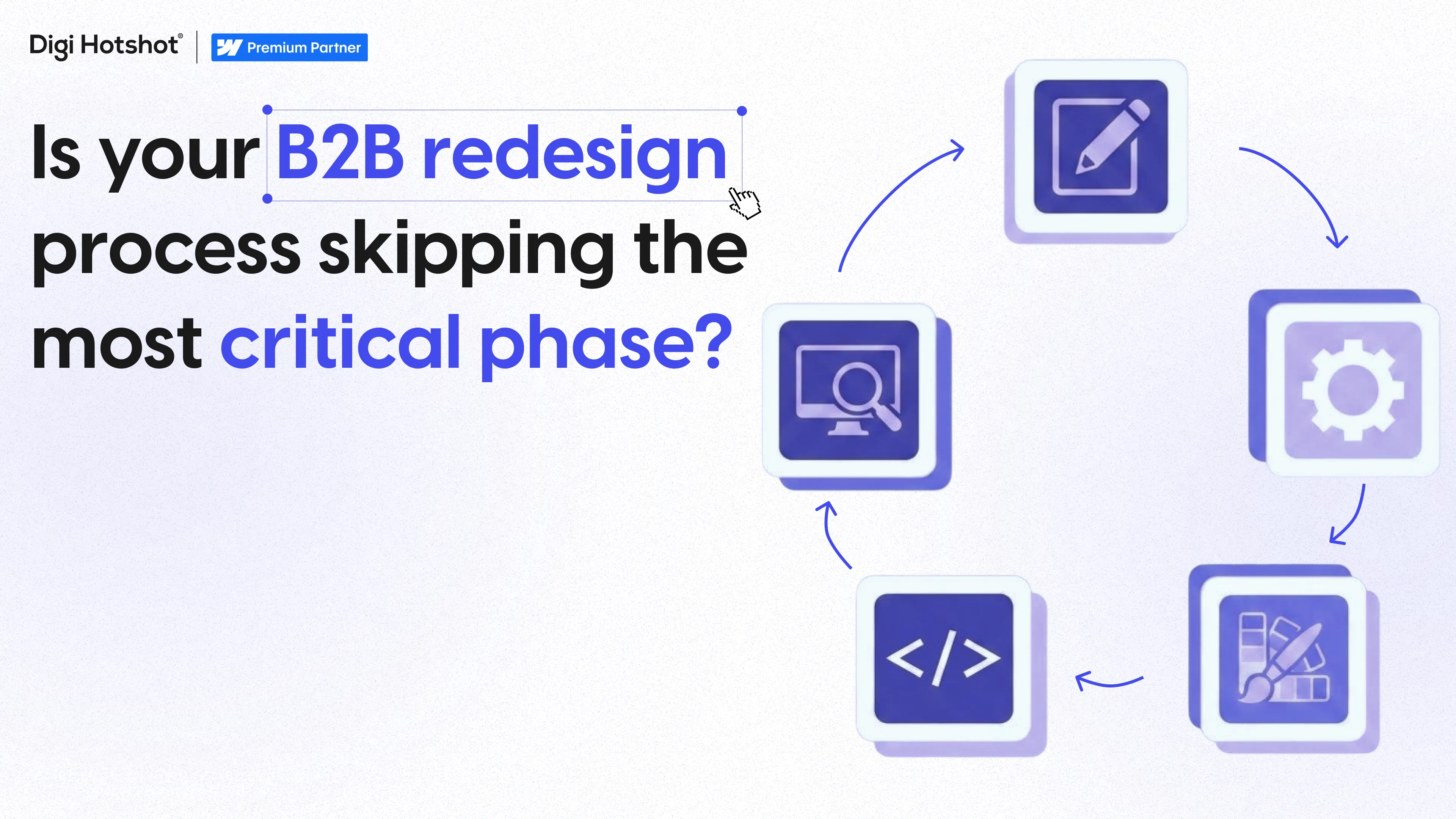
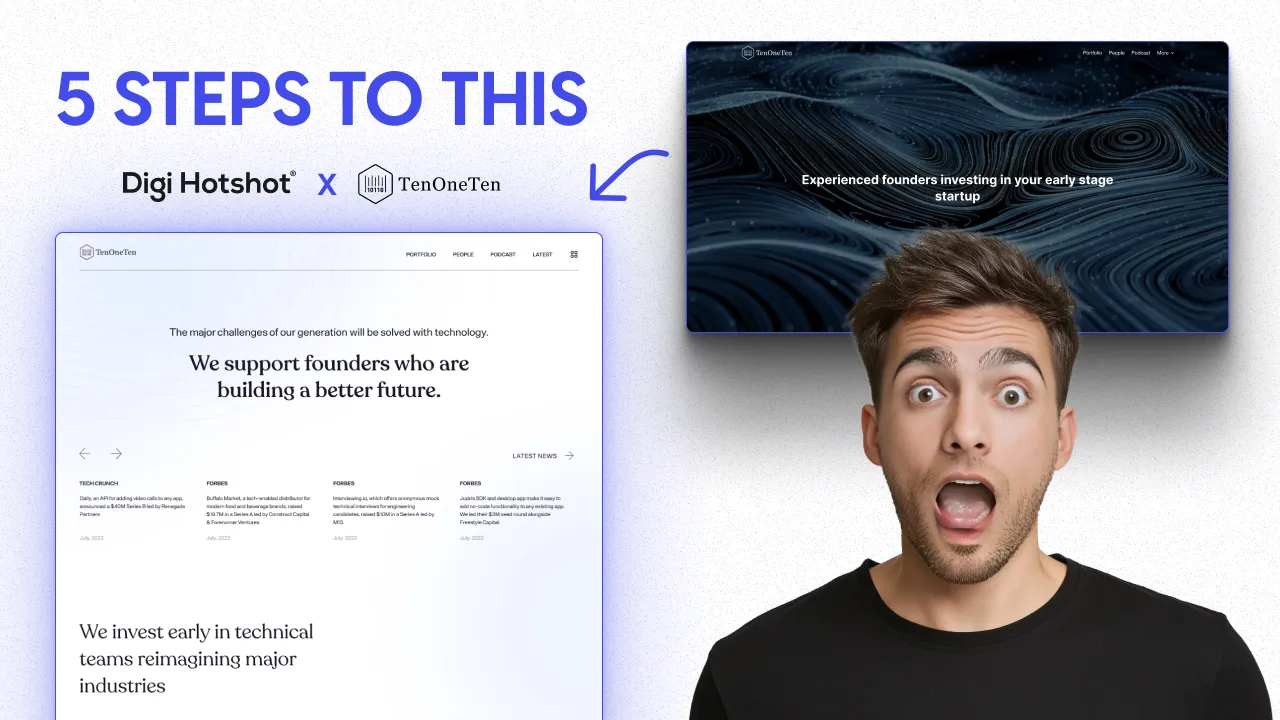

A B2B website redesign typically follows 5 phases: Discovery & Strategy (1–2 weeks), Design (2–4 weeks), Development & CMS Build (2–4 weeks), QA & Testing (1–2 weeks), and Launch & Post-Launch Monitoring (1 week + 90 days). Total timeline: 6–12 weeks depending on scope. Based on 30+ redesign projects at Digi Hotshot, the most common timeline is 8 weeks for a mid-complexity B2B site. Budget ranges: $15,000–$30,000 for a refresh, $30,000–$60,000 for a redesign, $50,000–$100,000+ for a full rebuild with new positioning.
Most "website redesign process" articles read like they were written by someone who's never actually shipped a site under deadline pressure. Here's the version we wish we had when we started — built from 30+ B2B projects, real budgets, real client stories, and all the mistakes we've already made so you don't have to.
This is the exact 5-phase process we run at Digi Hotshot on every project. Not theory. Not a framework we borrowed from a textbook. The actual playbook.
Let's get into it.
This is the phase everyone wants to skip. "We already know what we want" is something we hear on almost every kickoff call. And almost every time, discovery changes at least 30% of the original brief.
Here's what we actually do during discovery:
Stakeholder interviews. Not a survey. Not a form. Real conversations with the people who'll be using, approving, and maintaining the site. We talk to the marketing lead, the sales team, the founder — anyone who has an opinion that'll show up in revision round 3 if we don't surface it now.
Competitive audit. We pull 5–8 competitor sites and break down what's working, what's not, and where the gaps are. This isn't about copying anyone. It's about understanding what your buyers are already seeing before they land on your site.
Content audit. What pages exist? What's performing? What's dead weight? If you've got 120 pages and 90 of them get zero traffic, we need to talk about that before we start designing.
Technical audit. Current platform, integrations, forms, analytics setup, page speed, SEO health. We need to know what we're inheriting.
The output: A scope document, a sitemap, and a set of success metrics we'll measure against 90 days after launch.
Real example — Vividly: We've redesigned Vividly's homepage four times. Not because we got it wrong — because they grew. They went from early-stage startup to market leader in trade promotion management, and every stage needed a different story. Each of those four redesigns started with discovery. Different positioning, different buyer profile, different competitive set. Same company, four different strategies. That's why discovery matters — it catches the stuff that changes between "what you were" and "what you are now."
The common mistake: Skipping discovery to "save time." We've seen it happen. Teams jump straight to design, the CEO sees the first mockup, and suddenly there's a conversation about brand positioning that should've happened in week 1. Now you're three weeks in, and you're starting over. Discovery doesn't cost time. Skipping it does.
Get a free audit of your current site before you start →
Design isn't "make it look nice." It's deciding how your site communicates, what it prioritizes, and how users move through your story.
Here's our sequence:
Wireframes first. Low-fidelity layouts that focus on structure, hierarchy, and content placement. No colors, no imagery, no fonts. Just blocks and text. This is where we fight about what goes above the fold — and that fight is way cheaper at the wireframe stage than the mockup stage.
Mockups second. Once the structure is approved, we layer in the visual identity. Brand colors, typography, imagery, iconography. This is where the site starts to feel real.
Design system third. This is what separates a good redesign from a great one. Instead of designing every page as a one-off, we build a system of components — hero sections, feature blocks, testimonial layouts, CTA patterns — that work together. So when your team needs a new landing page six months from now, they're assembling from existing parts, not starting from scratch.
We run this as a component-based approach. Every section we design is built to be reusable. Not just for launch day, but for the next 12–18 months of your marketing roadmap.
Real example — IronFlow AI: Defense-tech startup. Pre-launch, operating in stealth mode. They needed a site that made a 10-person team look like an enterprise-grade operation — because their buyers were defense procurement officers who'd close the tab if the site felt like a startup weekend project. We designed a 7-section homepage and an About page that communicated credibility without revealing too much about their product (NDA territory). The design had to do the heavy lifting because the copy couldn't say everything.
How many design rounds? We do two. That's the standard. If a project needs more than three rounds of revisions, the scope wasn't clear enough in discovery — and that's a process problem, not a design problem. Two rounds with good feedback is always better than five rounds of "I'll know it when I see it."
This is where things get real. Design files become a working website.
We build everything in Webflow — we're a Webflow Premium Partner, and it's what we know inside and out. But the principles here apply regardless of platform.
Component build. Every design component becomes a Webflow component. Buttons, cards, sections, navigation elements — all built as reusable pieces. This is where the design system from Phase 2 pays off. If the design was built around components, development is faster and more consistent.
CMS architecture. This is the part most agencies rush through, and it's the part that makes or breaks the site's long-term value. We're talking about collections, relationships between collections, dynamic pages, filtered lists, and conditional visibility. Get this right, and your marketing team can publish new content without calling a developer. Get it wrong, and every new blog post is a support ticket.
Integrations. HubSpot forms, Calendly embeds, analytics tracking, cookie consent, chat widgets — whatever your stack looks like, it gets wired up during development, not as an afterthought.
Real example — Sisu Clinic: 85+ pages. 30+ CMS collections. Jetboost integration for real-time filtering. Geo-targeted content across 4 countries (US, UK, Canada, UAE). Multi-location service pages with dynamic practitioner profiles. This wasn't a website — it was a content platform built on Webflow. The CMS architecture took almost as long to plan as the design itself. But the result? Their marketing team publishes new location pages, practitioner profiles, and treatment guides without touching the development side. That's the point.
Why component-based development matters in practice: Column Tax is a good example. After we built their site with a full component library, their internal team started deploying new landing pages in 2–3 days using existing components. No design request, no development ticket. Just drag, drop, populate, publish. That's what a well-built CMS gives you.
This is the phase that separates "it looks done" from "it is done." We've caught issues in QA that would've cost clients thousands in lost leads if they'd gone live unnoticed.
Here's what we test:
Cross-browser testing. Chrome, Safari, Firefox, Edge. Every page, every component. Safari on macOS renders things differently than Chrome on Windows, and if your buyer is a VP of Marketing on a MacBook (they probably are), Safari better look right.
Cross-device testing. Desktop, tablet, mobile. Real devices, not just browser emulators. We check touch targets, scroll behavior, and readability at every breakpoint.
Form testing. Every form gets submitted. Every confirmation email gets verified. Every CRM integration gets checked. A form that doesn't work is worse than no form at all — because the visitor thinks they submitted it.
Integration verification. Analytics firing on the right events? Tracking pixels loading? Cookie consent actually blocking scripts until consent is given? Calendar links going to the right booking page? We verify all of it.
SEO verification. Meta titles and descriptions on every page. Open Graph tags for social sharing. Schema markup where it matters. Canonical tags. XML sitemap. Robots.txt. And if you're migrating from an old site, redirect mapping — every old URL mapped to its new destination.
Performance testing. We target specific Core Web Vitals numbers:
If a page doesn't hit these targets, we optimize before launch. Image compression, lazy loading, font loading strategies, script deferral — whatever it takes.
Read our full Webflow QA checklist →
Launch day isn't the finish line. It's the starting line for the next phase.
Pre-launch (24–48 hours before):
Launch day:
Post-launch (90 days):
This is where most agencies disappear. We don't. For 90 days after launch, we monitor:
Real example — Wellness Everyday: 70+ pages migrated from their old platform to Webflow. Every single URL mapped and redirected. 100% SEO preservation — no ranking drops, no traffic dips. That doesn't happen by accident. It happens because the redirect map was built during discovery, verified during QA, and monitored for 90 days after launch.
Here are real timelines from our projects:
The most common project we run is a full B2B redesign in the 20–40 page range. That typically lands at 8 weeks. The biggest factor in timeline isn't our side — it's feedback speed. Every week of delayed client feedback adds a week to the project.
Straight numbers from real DH projects:
A few things that affect cost:
For most B2B companies, expect 6–12 weeks. A straightforward marketing site refresh (5–15 pages, existing content) can be done in 4–6 weeks. A full redesign with new CMS architecture and 40+ pages is closer to 10–14 weeks. The biggest variable isn't design or development — it's how fast your team gives feedback.
$15,000–$100,000+ depending on scope. A visual refresh with no structural changes starts around $15K. A full redesign with new information architecture, CMS build, and content migration runs $30K–$60K. If you're also doing new brand positioning, messaging strategy, and copywriting, you're looking at $50K–$100K+. The best way to get a real number is to talk through your specific situation — start with a free site audit.
Feedback bottlenecks. Specifically: too many stakeholders reviewing at the same time without a single decision-maker. We've seen projects where the design was approved by the marketing team, then the CEO saw it two weeks later and wanted to start over. That's why we identify the final approver in discovery (Phase 1) and make sure they're involved early — not surprised at the end.
If your site structure, CMS, and content strategy still work but the visuals feel dated, a redesign (new design on existing architecture) is probably enough. If you're fighting your CMS every time you publish content, your site architecture doesn't support your current product or service offerings, or you've bolted on so many patches that the whole thing feels fragile — it's time for a rebuild. A good test: can your marketing team publish a new landing page without calling a developer? If the answer is no, that's usually a rebuild conversation.
A few signals we see consistently: your conversion rate has dropped or flatlined for 6+ months with no explanation. Your sales team is embarrassed to send prospects to the site. Your competitors all look more modern than you. Your site takes more than 3 seconds to load. You can't update content without a developer. You've changed your positioning, product, or target market but your site still tells the old story. If three or more of those are true, it's probably time. Get a free audit and we'll tell you where you stand →
If you're thinking about a redesign but you're not sure where to start, we offer a free website audit. We'll look at your current site's performance, SEO health, design, and CMS setup — and tell you honestly whether you need a refresh, a redesign, or a full rebuild.
No pitch deck. No generic proposal. Just a real assessment of where your site is and what it would take to get it where it needs to be.
Last Updated:
June 8, 2026
Book a 30-minute discovery call. We'll discuss your current challenges and show you exactly how we can help.
Your competitors aren't stuck in developer queues. They're launching campaigns, testing messages, and capturing market share while you're waiting for simple updates.
Eliminate the bottlenecks. Give your marketing team the infrastructure they deserve—fast, autonomous, built to scale.


